


OKI C651dn A4 Colour Laser Printer
Original price was: £555.00.£524.99Current price is: £524.99. ex. VAT
£629.99 inc. VAT
- 6.5 Seconds First Page
- 35ppm Colour Print
- 35ppm Mono Print
- 250 Sheet Input Tray
- 100 Sheet Multi-Purpose Tray
- 1200dpi Print
- 1GB RAM (3GB eMMC)
- USB & Network
- Google Cloud Print 2.0 ready
- Optional Wireless LAN Module
- Automatic Double-Sided Printing
- Windows & Mac
In Stock

Capabilities




Benefits
- 3 Year On-Site Warranty →
- OKI Product Lifetime Warranty Programme* →
* Up to 7 Years' extended warranty available for this printer when you buy selected Oki toners (terms & conditions apply)
Register hereMore information
Call us on 033 0303 0123 to talk to a trained OKI expert.
(Call FREE Mon-Fri 9am-5.30pm)
Free 1 month Origin Design Pro (worth £24.99) included with this product
Design show plates, stationery, horticultural labels and more. A unique promo code for 1 months of Starter tier access will be included in your order confirmation email.
Preview Origin Design Pro →The World’s smallest high-performance A4 colour printer
You can expect massive performance from the super-compact C651. As the world’s smallest high-performance A4 colour printer, the C651 is perfect for businesses where space is limited. Typically, compact printers are compromised when it comes to quality, running costs and speed. The C651 turns this on its head by providing all the best attributes you’d expect from a workgroup device in the form of an A4 desktop colour printer, including unrivalled media handling and unbeatable cost-efficiency.
Ideal for any business – especially those where space is at a premium
With Space Saving Technology, the C651 thrives where space is tight and performance is a priority. It’s durable enough for warehouse use and can slot neatly into an enclosed space in a kiosk, or on a production line and is equally at home in the back office.
- Small frame requires the minimum amount of space
- Full front access makes maintenance easy and reduces space required to service device
- 48% metal construction increases reliability and durability
Who is the C651 for?
The C651 thrives anywhere space is tight and performance is a priority. Whether you need a durable device that can survive the rough and tumble of the warehouse floor, or to slot neatly into an enclosed space in a kiosk or on a production line, while being equally at home in the back office where demanding users require high print volumes and excellent quality, the C651 provides the flexibility to adapt to the specific needs of your business.
Why the C651?
Extremely compact
Designed to work in the tightest of spaces, the C651’s small frame requires a minimal space to operate. With full front access and only 2cm required on the sides to function and for maintenance, the C651 can be placed almost anywhere.
Superior print speed
Despite the minimal size, and minimal maintenance space required, the C651 outperforms in both print speed and media handling, printing up to 35 pages a minute, while also printing with ease on media up to 256gsm or up to 1.32m long.
Reliable
Thanks to its new unique design making much more use of metal in place of plastic, the C651 is the most robust device its class. Designed for a long, durable life, it simply gets on with its job.
Exceptional print quality
Create documents and marketing collateral in stunning colour with LED technology, quickly and easily without compromise.
Unrivalled ROI
The C651 is designed to print, and print, and print. Its very long life and high duty cycle are supported with separate toners and drums to ensure the maximum usage of all consumables – perfect for high volume, high coverage colour printing. All consumables are user changeable with no hidden surprises. The C651 just gets on with its job, enabling you to get on with yours
What's in the box
- OKI C651 colour printer
- AC Cable (UK)
- CD/DVD (including Software/ Utilities/ Drivers and User Manuals) & Setup Guide
- CMYK Image Drums
- Starter Toners CMYK (3,000 pages)
Related content
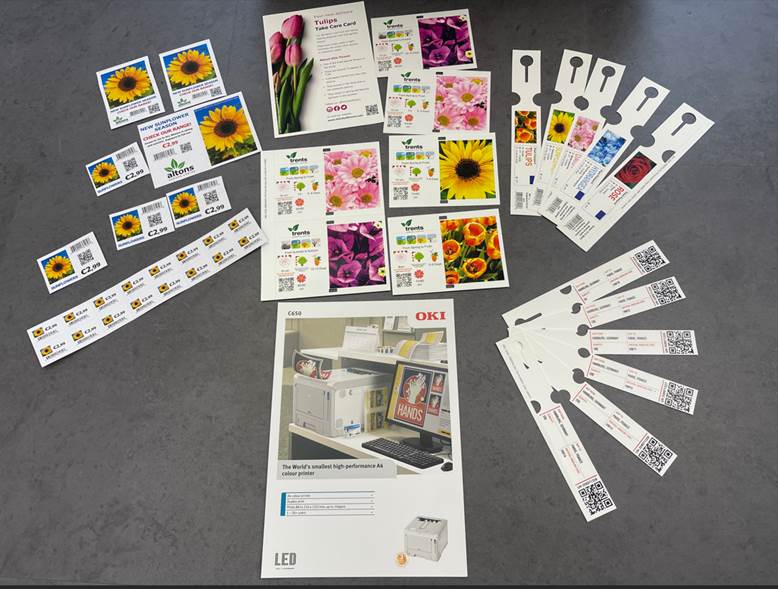
Printer capabilities
The OKI C651dn offers a number of different features and capabilities.
For more information about the capabilities of this printer please contact our friendly team.
 Apple has developed a mobile printing solution called AirPrint that makes it easy to print from devices such as an iPhone, iPad or iPod Touch.
With AirPrint there’s no need to download software or printer drivers or to configure or set-up your iOS device or OKI printer.
To print using AirPrint all you need to do is connect your Apple iOS device or Mac computer to the same Wi-Fi network as an OKI printer that supports AirPrint technology.

We specialise in supplying garden centres and retail nurseries with printing solutions for all their horticultural requirements.
Versatile, efficient and reliable, this printer is the perfect choice for printing stunning full colour plant labels in-house and on-demand. Print self-adhesive labels, self-ties and stick-ins, and create eye-catching bed cards to attract customer attention to seasonal offers, in-store promotions and point of sale notices.
Update and print multiple label designs with no media changes or additional plate costs. Print multiple designs of full colour labels and marketing media in-house, matching print quality to immediate demand.
As well as horticultural labels the same printer can be used to create your promotional material, signage and stationery.
Look what you can print
- self-tie labels – loop lock labels, tie wraps
- stick-in labels – pot pointers, push-in labels
- self-adhesive horticultural labels
- waterproof and weatherproof plant pot labels
- swing tags and bed cards
- shelf edge cards
- banners
- plant pot labels
- Christmas tree labels
- all your marketing material: promotional flyers, business stationery, point of sale notices and business cards
For all your label media requirements, we recommend Bluepoint Tags and Labels
 Impress customers with colour label printing, even on short-run jobs.
Say yes to colour label printing on weatherproof, metallic and more synthetic labels with the OKI Pro 9 Series printers.
With the OKI Pro 9 Series you can cost-effectively print highly durable, commercial grade labels with white under-printing for printing vibrant colours on colour labels. Whether it’s 1 label or 10,000 our printer has you covered.
Take advantage of unrivalled label media compatibility with OKI.
Impress customers with colour label printing, even on short-run jobs.
Say yes to colour label printing on weatherproof, metallic and more synthetic labels with the OKI Pro 9 Series printers.
With the OKI Pro 9 Series you can cost-effectively print highly durable, commercial grade labels with white under-printing for printing vibrant colours on colour labels. Whether it’s 1 label or 10,000 our printer has you covered.
Take advantage of unrivalled label media compatibility with OKI.
 More information on OKI label printing, visit OKI Europe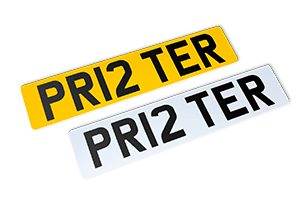
OKI’s Retail Solutions for Car Dealers
OKI’s Retail Solutions for Car Dealers provides print processes within service centres and showrooms. From speeding up the production of powerful in-store adverts to promote a particular brand or offer, to printing paperwork and invoices. Car Dealers can print a range of applications that place them in pole position and way ahead of the competition.
Car Number Plates
Print personalised road legal number plates on reflective media. OKI’s printers are certified to print on reflective media.
For OKI Pro9431dn, OKI Pro9541dn and OKI Pro9542dn printers no further equipment or software is needed to print number plates successfully. For OKI B432dn and OKI C650dn we recommend…
Product support
Useful support information for the OKI C651dn.
Our helpful team are always available to help, please contact us if you need more information.
Replace the waste toner box together with the black (K) toner cartridge.
By following on-screen instructions, replace the waste toner box first and then the black (K) toner cartridge.
The black (K) toner cartridge, available as a consumable item, comes with a waste toner box.
This error indicates that the image drum is not recognized.
Check the message on the LCD panel.
Remove the image drum of the colour (cyan: C; magenta: M; yellow: Y; black: K) displayed on the LCD panel and install it again.
If there are white stripes on the output paper, the image is faded or the text is blurred, you can clean the LED head to improve these problems.
Power off the machine before cleaning the LED head.
Replace the image drum immediately after a message indicating replacement of the image drum is displayed and printing has stopped.
A sensor error has occurred to the image drum of the colour (cyan, magenta, yellow, or black) indicated on the LCD panel.
This error may show that a image drum or belt unit is not installed properly.
Reset the image drum of the corresponding colour and the belt unit also.
Replace the belt unit immediately when a message indicating replacement of the belt unit is displayed and printing has stopped.
Replace the fuser unit immediately when a message indicating replacement of the fuser unit is displayed and printing has stopped.
This error indicates that the fuser unit is not installed in the machine or not properly installed.
Follow the procedure below to check the fuser unit.
If paper jams occur frequently during paper feeding, clean the roller of the paper cassette and the roller of this machine.
This error indicates that the belt unit is not correctly installed or not installed at all.
This error indicates that the fuser unit is not properly installed.
This error indicates that the fuser unit is not properly installed.
See below for the replacement method.
The video shows the procedure for replacing the toner cartridge (C).
The toner cartridge (M/Y) can be replaced by the same procedure.
This error indicates that the image drum is not recognised.
Check the message on the LCD panel.
Remove the image drum of the colour (cyan: C; magenta: M; yellow: Y; black: K) displayed on the LCD panel and install it again.
This error indicates that the belt unit is not correctly installed or not installed at all.
Follow the procedure below to check the belt unit.
Further information
Toner Cartridges for the OKI C651dn
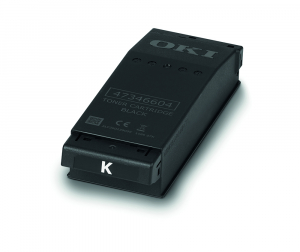
£61.95 ex VAT
£74.34 inc VAT
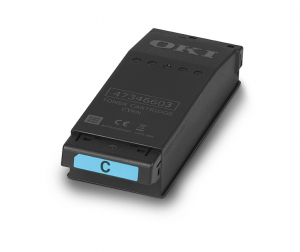
£74.55 ex VAT
£89.46 inc VAT
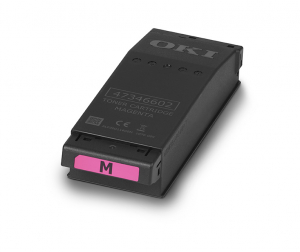
£74.55 ex VAT
£89.46 inc VAT
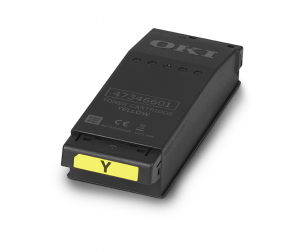
£74.55 ex VAT
£89.46 inc VAT
Image Drums for the OKI C651dn
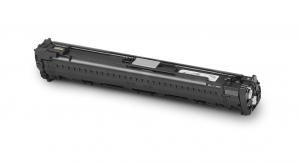
£99.61 ex VAT
£119.53 inc VAT
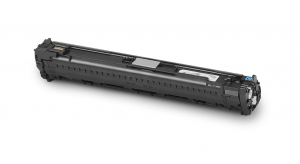
£99.61 ex VAT
£119.53 inc VAT
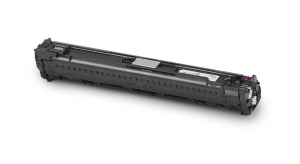
£99.61 ex VAT
£119.53 inc VAT
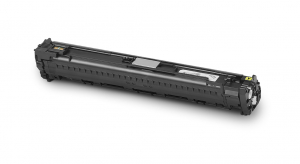
£99.61 ex VAT
£119.53 inc VAT
Consumables for the OKI C651dn
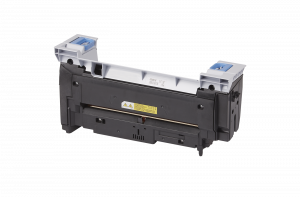
£133.00 ex VAT
£159.60 inc VAT
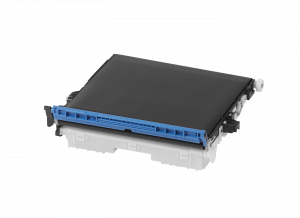
£133.00 ex VAT
£159.60 inc VAT
Accessories for the OKI C651dn
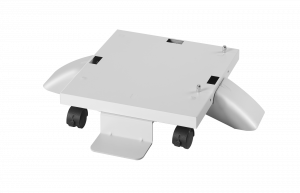
OKI Castor Base
SKU: 09006104
£113.93 ex VAT
£136.72 inc VAT
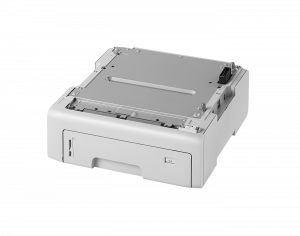
OKI 530 Sheet Additional 2nd, 3rd and 4th Paper Tray
SKU: 09006124
£198.45 ex VAT
£238.14 inc VAT
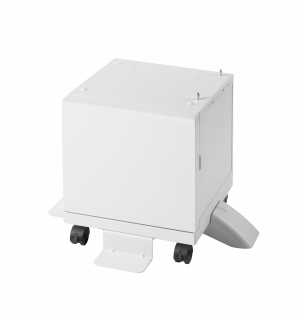
OKI Cabinet
SKU: 09006141
£141.75 ex VAT
£170.10 inc VAT
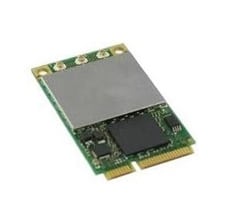
OKI Wireless Lan Module
SKU: 45830222
£38.01 ex VAT
£45.61 inc VAT